MetaGer - Easy Help
 Back
BackBy clicking on the symbol
 , you can access the explanation of difficult words.
Anonymity and Data Security
Tracking Cookies, Session IDs, and IP Addresses
At MetaGer, you are anonymous.
That means you remain unrecognized.
We do not store any data that could identify anyone.
We offer 2 features for this purpose:
Tor Hidden Service and
open anonymously
Find more about the topic at Tor Hidden Service.
To learn more about open anonymously, check out MetaGer-Proxy.
You can access these features under Services in the navigation bar.
MetaGer-Proxy (open anonymously)
With our open-anonymously function, you can open web pages anonymously.
That means you remain unrecognized.
Open anonymously acts as a protective shield.
If you want to search anonymously, follow these steps:
In the search results, there is a button open anonymously.
Here's how the button looks:
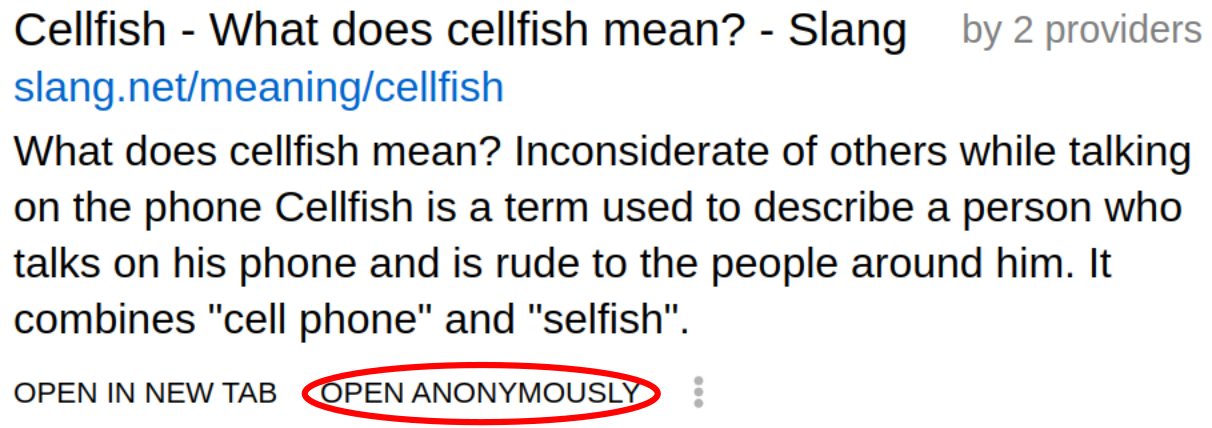
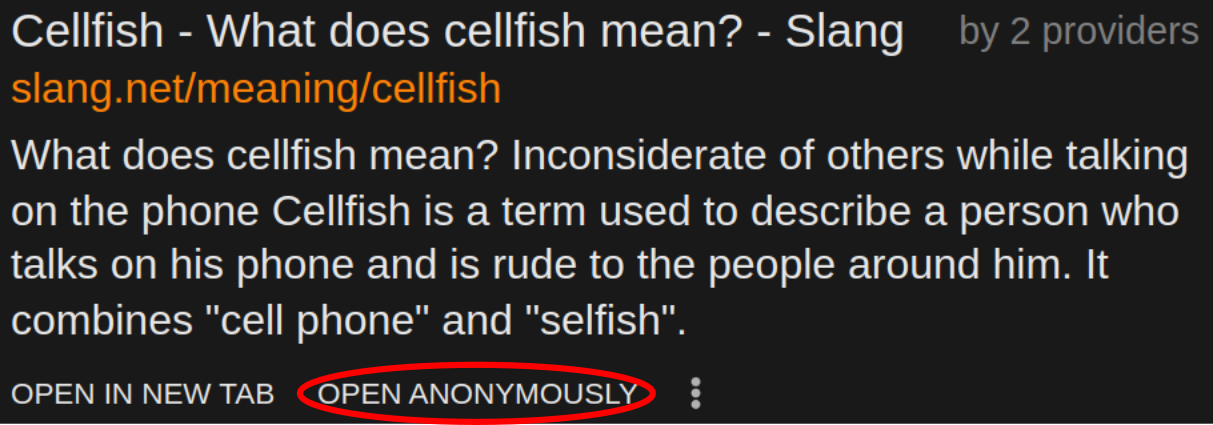
When you click the button, a new window opens.
It already shows the page you clicked on.
This window has its own browser.
This browser runs safely on our servers.
Not on your device.
The web page cannot see who you are.
This browser has its own address bar and its own tabs.
You can use them just like normal.
You stay protected the whole time.
When you close the window, everything is deleted.
Questionable Content / Youth Protection
If you find content on the internet that appears to be prohibited, you can report it.
Send an email to hotline@jugendschutz.net.
Alternatively, visit www.jugendschutz.net and fill out the complaint form.
If you come across prohibited content on MetaGer, please let us know.
Send an email to jugendschutz@metager.de.